
The right people sign off,
in the right order
Send each proof to your team first and your client last. ProofNow moves it from one step to the next, reminds anyone who is holding things up and keeps a record of every decision.
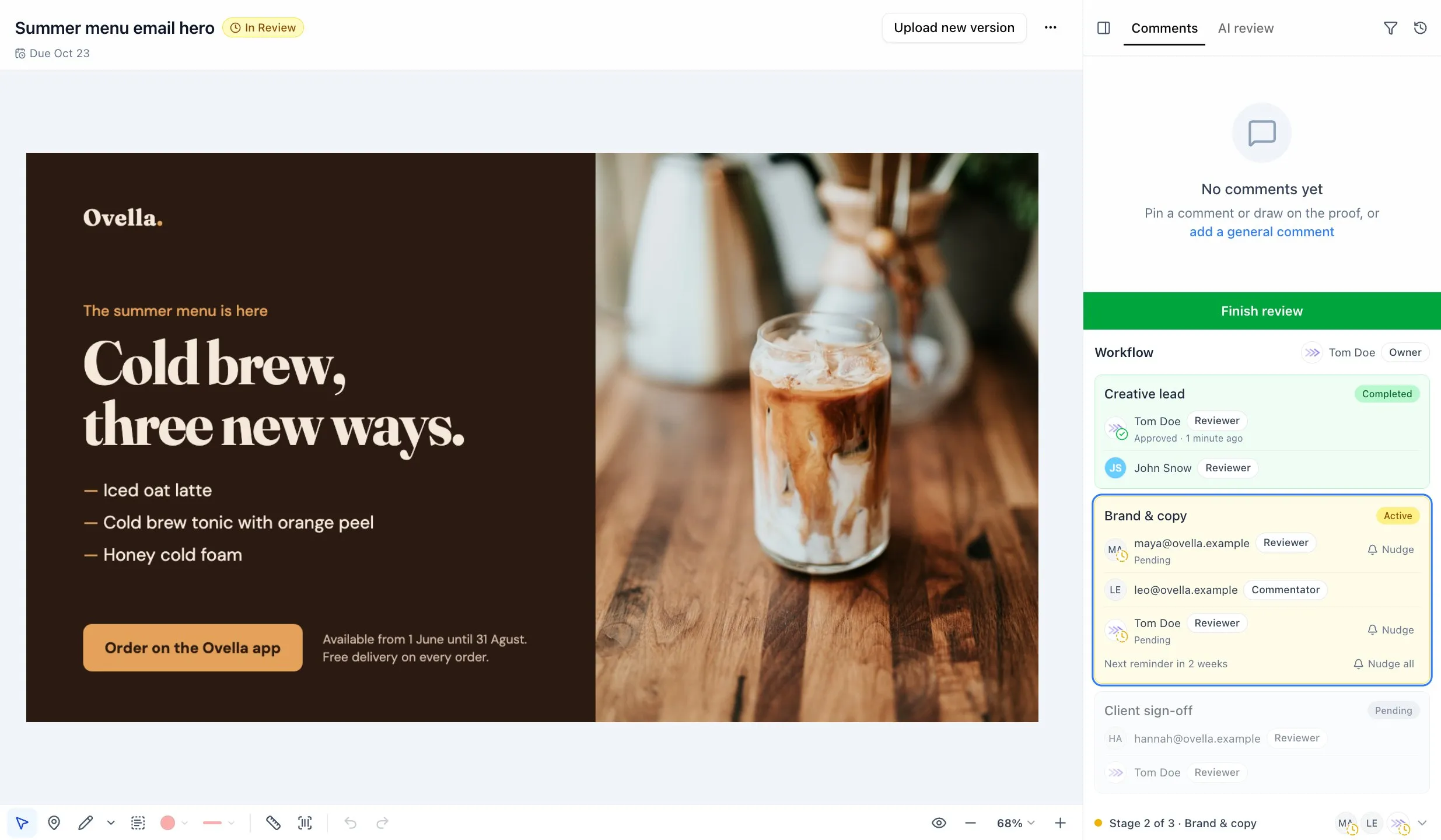
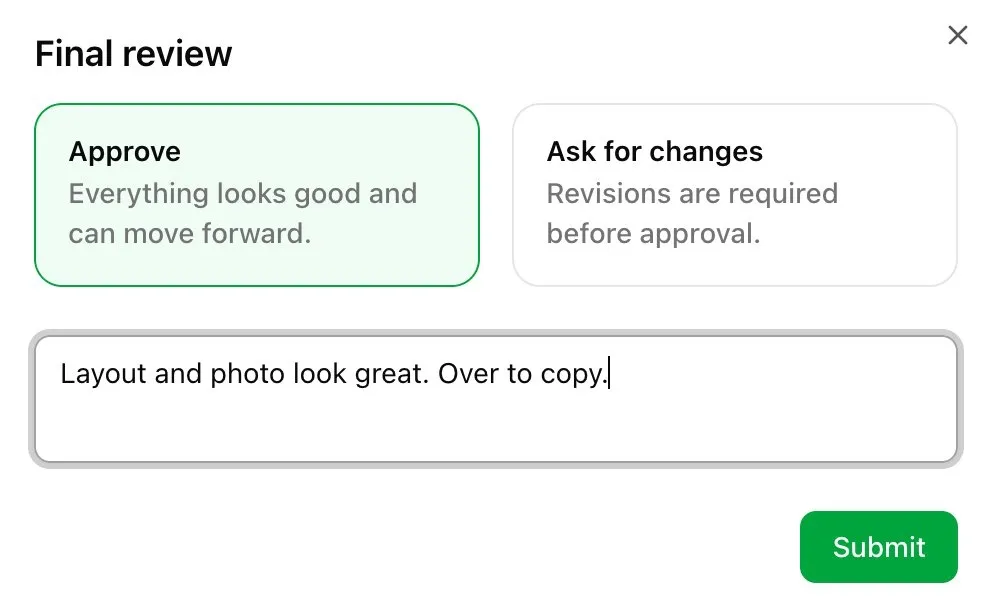
One proof, step by step, to a final yes
Split your reviewers into steps. Each step starts when the one before it is approved, so your client only sees work your team is already happy with.
- 1
Creative lead
Your design lead
One approval moves it on
- 2
Brand & copy
Brand manager and copywriter
The copywriter only comments
- 3
Client sign-off
Your client, by email
No account needed
Completed
Ready to print, publish or send
Every decision is on record
Approved
Once enough people approve, the next step starts and its reviewers get an email.
Changes requested
The proof pauses in that step, with the reviewer’s note, until you upload a new version.
New version
It goes straight back to the same reviewers. Steps that already approved do not start again.
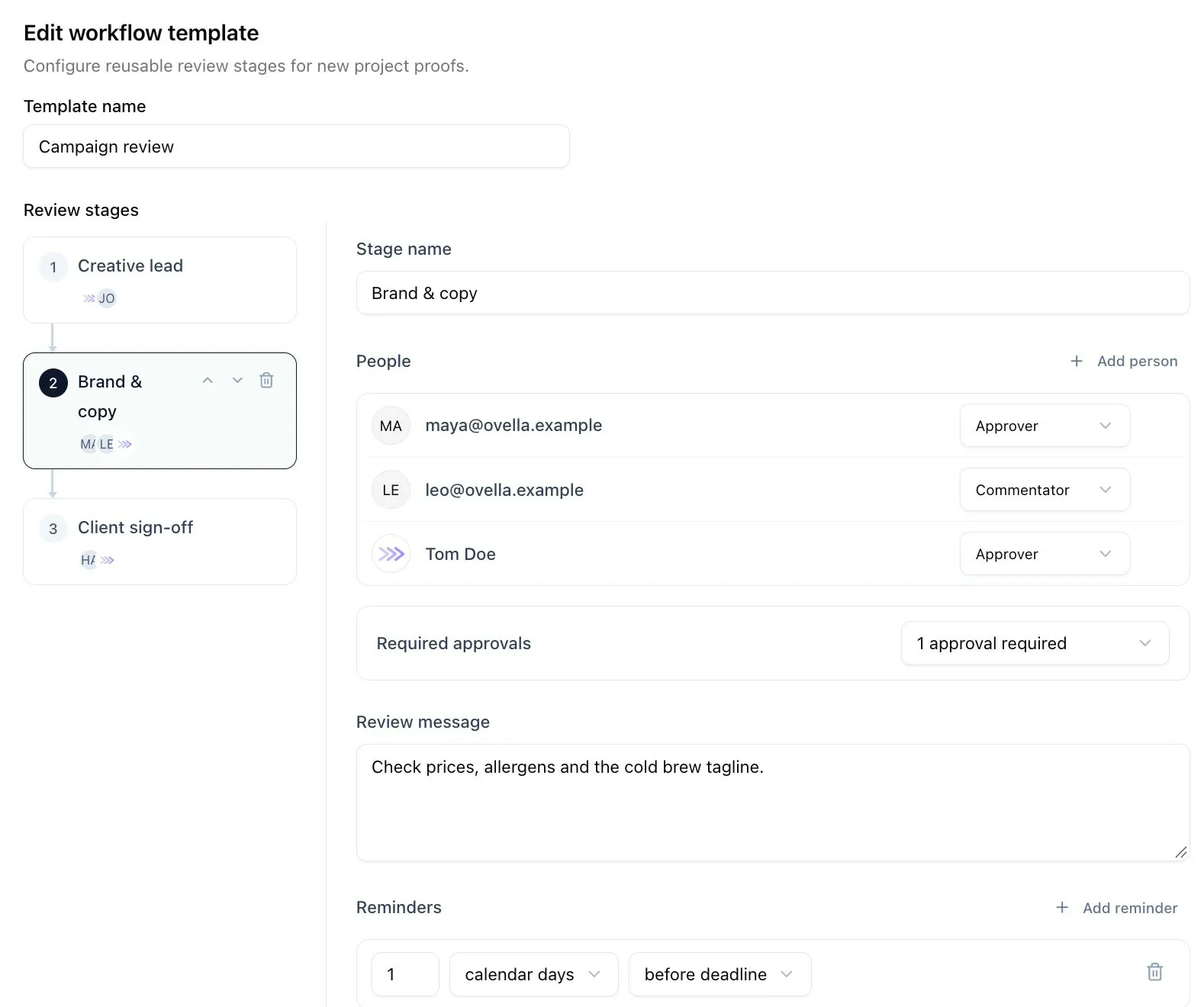
Set up your process once
Build a workflow for a project and every new proof starts from it. No more copying the same reviewers into every request.
Choose who reviews each step
Add teammates from monday.com or anyone by email, and pick whether they approve, comment or only look.
Decide how many approvals you need
One person, everyone or a set number. The step moves on as soon as the rule is met.
Tell reviewers what to look for
Each step has its own note, like “check prices and allergens”, shown to the people in that step.
Save it once, use it on every proof
Make it your project’s default or require it so every proof follows the same steps.
No more chasing approvals
Give each step a deadline and let ProofNow do the follow-up. Reminders go out in the morning, in your team’s time zone, and only to people who have not decided yet.
- Day 1
Step starts
Reviewers get an email with a link to the proof.
- Day 3
Automatic reminder
Sent to anyone who has not decided yet.
- Day before deadline
Last call
A final reminder before the step is due.
- Any time
Nudge
Remind one person, or everyone, with one click.
Choose when reminders go out for each step, counting calendar days or working days only.
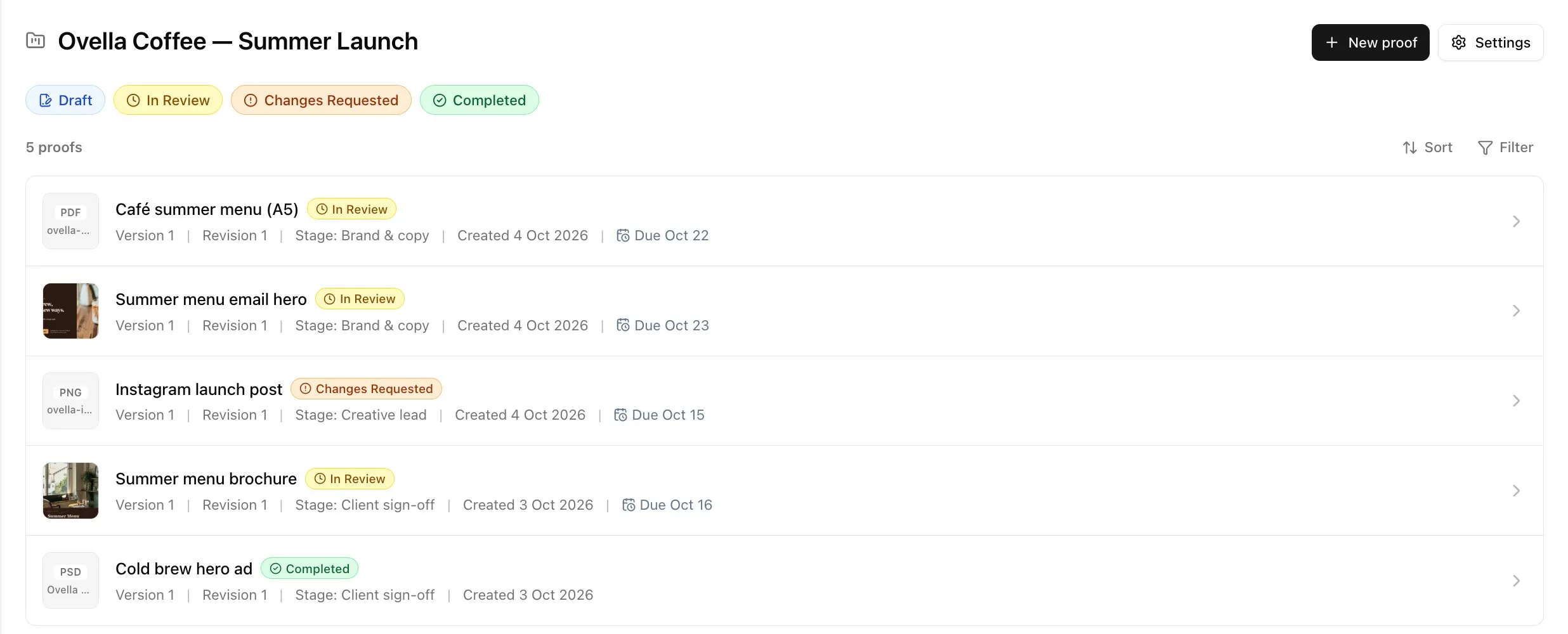
See where every proof stands
Each proof shows its status and the step it is in. On monday.com, the status column on your board updates by itself, so the whole team can follow along without opening a proof.
- In Review
- Changes Requested
- Completed
Built for sign-off you can rely on
Everything you need to get a clear answer, and to show later how you got it.
A clear yes or no
Reviewers approve or ask for changes, with a short note. They can change their mind while the step is open.
Clients need no account
Add clients by email. They review and approve in their browser, from the link they receive.
A deadline for each step
Set a due date for the whole proof and for each step, so everyone knows when their part is needed.
Every version kept
Decisions and comments stay with the version they were made on, and you can compare versions side by side.
A record of who approved what
The audit log lists every decision, comment, reminder and new version, with the time and the step.
About the audit logWebsites signed off as they were
When someone approves a website, ProofNow takes fresh screenshots so you keep a copy of what was approved.
Explore website reviewApproval workflow questions
What is an approval workflow in ProofNow?
Does everyone in a step have to approve?
What happens when someone asks for changes?
Can we reuse the same workflow for every proof?
How do reviewers know it is their turn?
Do clients need a ProofNow or monday.com account?
Get a clear yes, every time
Add ProofNow to monday.com, set up your review steps and send your first proof in minutes.